
Overview
Quantower is a Windows trading platform from a Ukrainian company, started in 2017. It is broker-neutral: you connect your own broker, prop firm, crypto exchange or data feed, and trade futures, crypto, stocks, options or forex from one screen, with several connections open at once.
Its strength is order-flow work: DOM trading, a liquidity heatmap, footprint charts, volume and TPO profiles, plus options analytics. A free version has no time limit but is narrow. Paid features come as packages or single add-ons, from $20 a month up to $70 for everything. Some brokers and exchanges unlock them for free.
Good to know
- Windows only. There is no Mac, web or mobile app; Mac users must run it in a virtual machine.
- Market data is not included. You get data from your broker or buy a feed separately.
- A paid licence runs on one computer at a time; logging in elsewhere logs out the first machine.
- Paid features are free through some partners (AMP, Binance, Bybit, Optimus Futures, Topstep).
Latest news
Screens
Pricing
Free plan: Yes (No time limit; one active connection, 2 indicators and 1 overlay per chart; no volume analysis, simulator, replay or Renko-type charts). Free trial: 7 days. Yearly or lifetime billing is also offered. Prices as listed on 21 Nov 2026.
What it does
DOM Trader and Surface
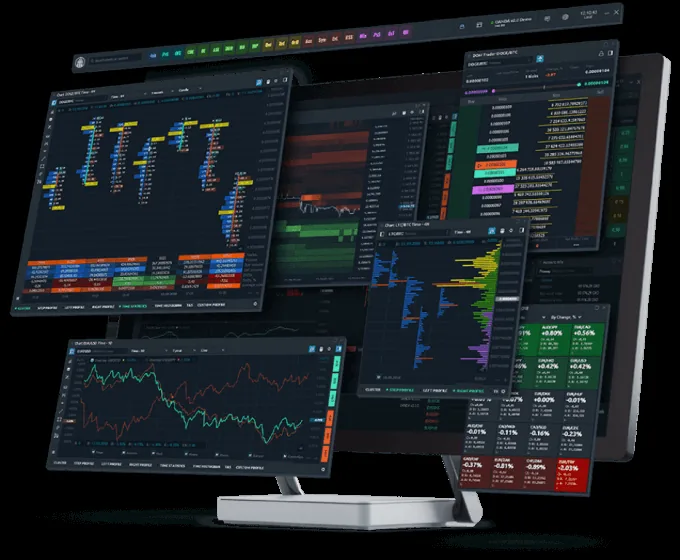
Ladder trading from the order book, plus a DOM Surface heatmap of resting liquidity.
Volume analysis
Cluster (footprint) charts, volume profiles, time statistics and Power Trades detection.
TPO profile charts
Market profile (TPO) charts sold as part of All-in-One or as an add-on.
Multi-connect
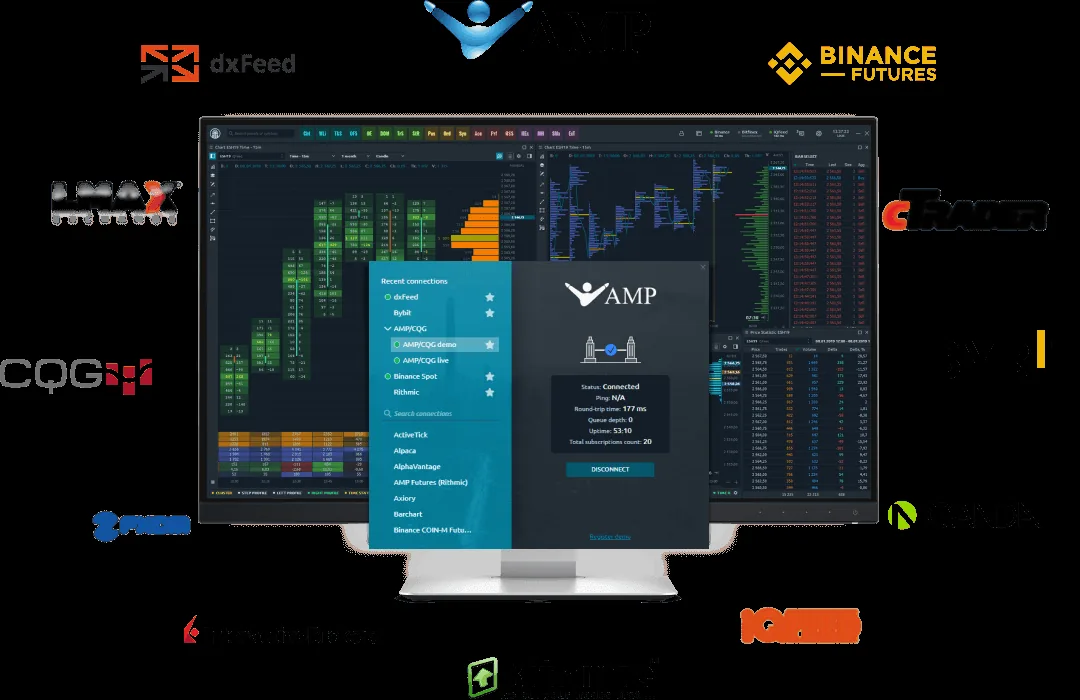
Connect several brokers, exchanges and data feeds at the same time in one workspace.
Options analytics
Option Desk, Option Analyzer, Greeks and strategy building for options traders.
Simulator and replay
Paper trading simulator and market replay of recorded history.
Risk management panel
Daily loss limits, trading-time windows and profit/loss rules per account, added in 2026.
Open C# API
Build your own indicators, strategies and integrations in C#, with a backtester.
Custom workspaces
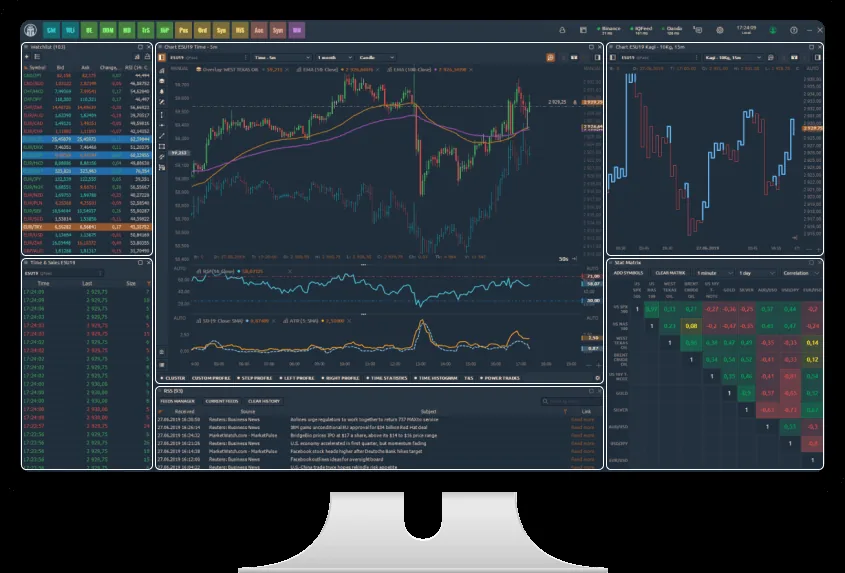
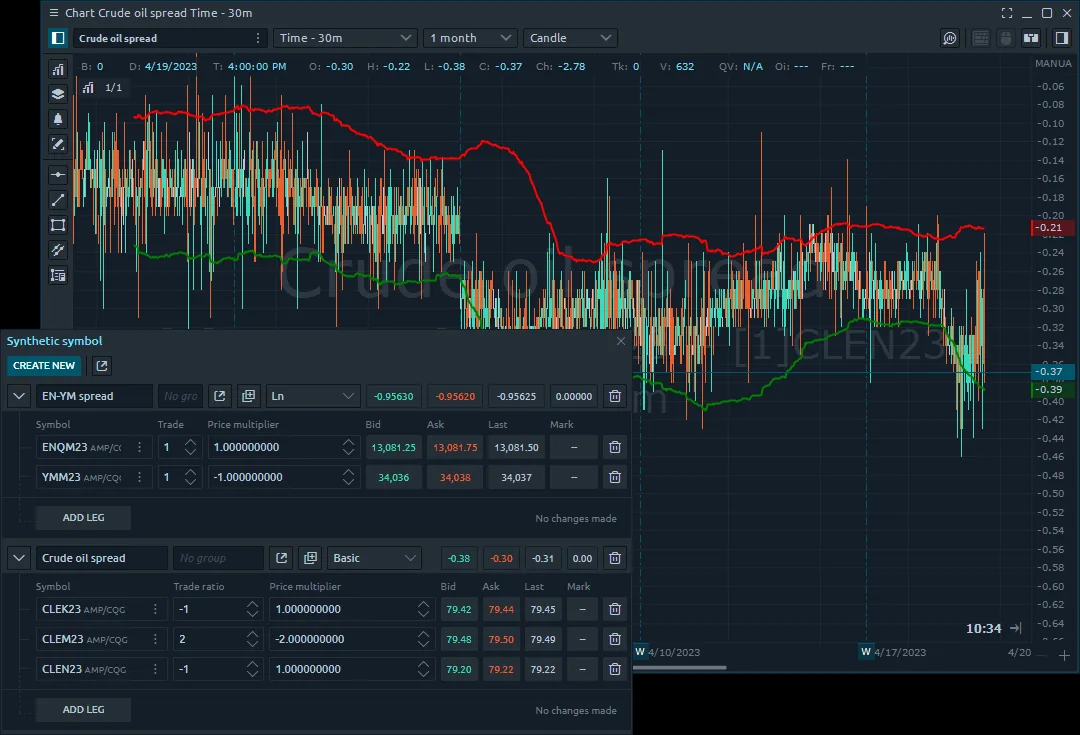
40+ panels arranged into linked groups, binds and saved workspaces.
Connections
Trading: Yes. Through 60+ connected brokers, futures prop firms (Rithmic, Topstep, Apex and others) and crypto exchanges (Binance, Bybit, OKX and others)
History
Reputation elsewhere
Trader reviews
How we score →No reviews on Fintech Rankings yet. Be the first: we read every review before it appears.
Write the first reviewSimilar terminals
All terminals →Questions
How much does Quantower cost?
All-in-One is $70 a month, $588 a year or $1,690 lifetime. Packages and single add-ons start at $20 a month.
Can I use it for free?
Yes. The free version has no time limit but allows one connection, 2 indicators per chart and no volume analysis tools. A 7-day full trial is also offered.
What markets can I trade?
Futures, crypto, stocks, options, forex and ETFs, depending on which broker or exchange you connect.
Which brokers and exchanges work with it?
Over 60 connections, including Rithmic, Interactive Brokers, AMP, OANDA, Binance, Bybit, OKX and many futures prop firms.
Does it run on Mac or phone?
No. It runs on Windows 10 and 11 only; a Mac version is planned and there is no mobile app.
Is market data included?
No. Data comes from your connected broker or a feed you pay for separately.


